Overview
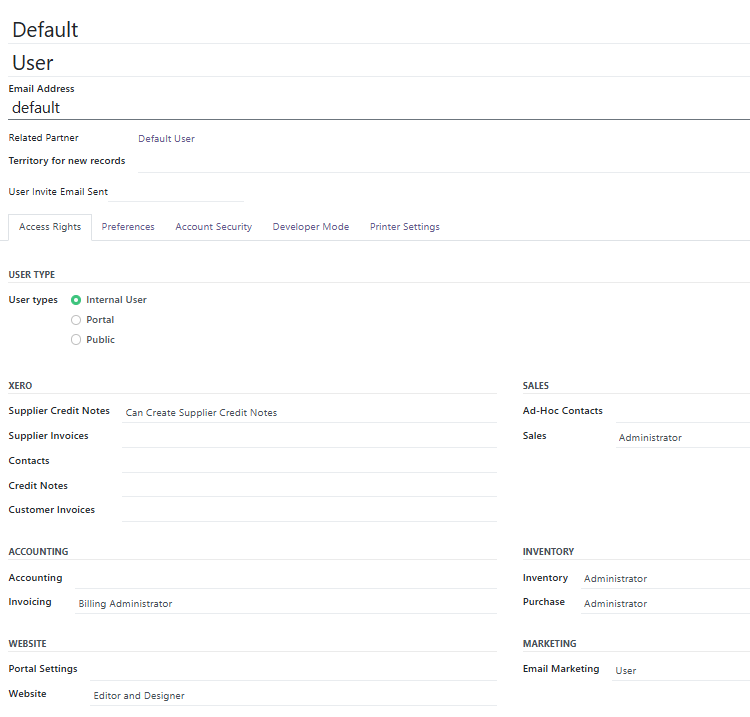
To set default user permissions for new users, RecyclyERP allows you to set up a new "template" user. This is a special "Archived" user that does not count towards your monthly, but cannot be deleted and should remain archived.
1. Go to Users & Settings > Settings, and search for Default Access
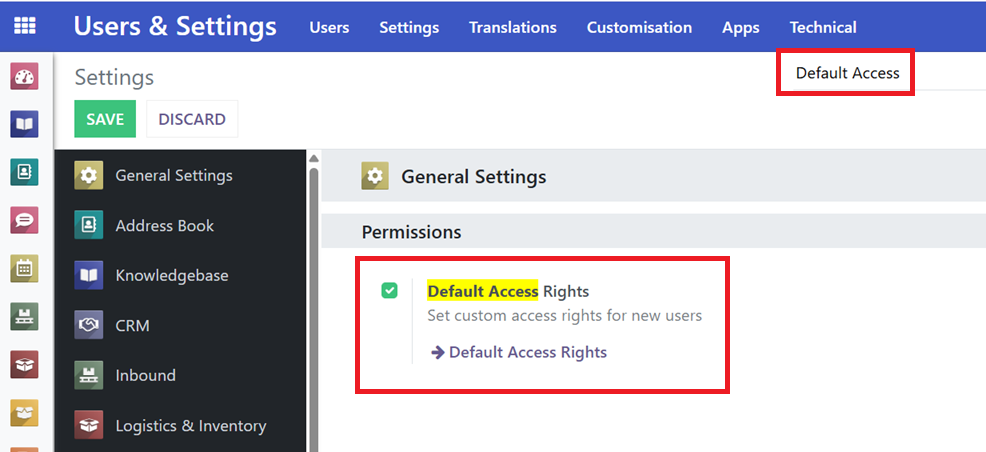
2. Click the ➔ Default Access Rights link
3. Set default user permissions, preferences (language / timezone etc.), and printer settings