At the bottom of quotes / sales orders viewed on the customer portal, there is a Terms & Conditions and Payment Terms sections
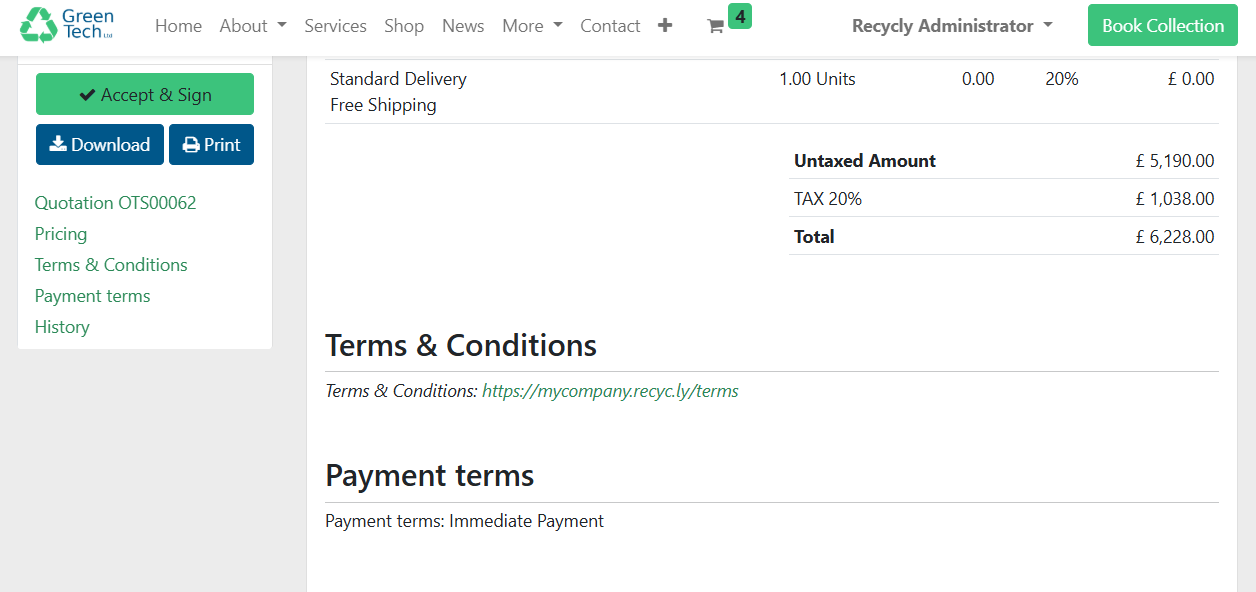
These values come from the corresponding fields on the Quote / Sales Order itself
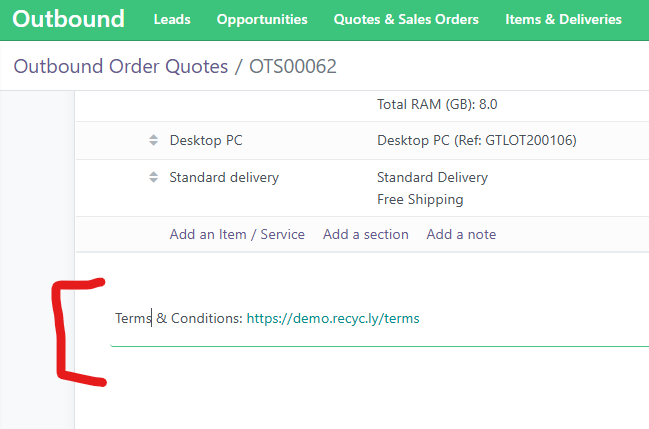
The Terms & Conditions field (below the order lines)
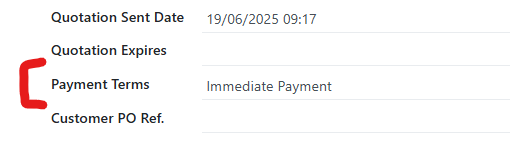
And the Payment Term field
Updating the Terms & Conditions for new Quotes and Orders
Go to Settings -> Invoicing -> Default Terms & Conditions - which has the following options
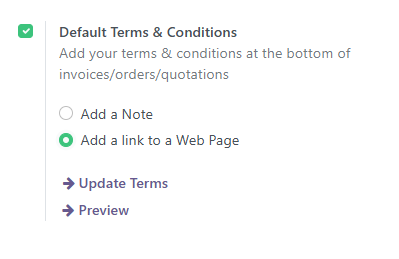
From here the "Update Terms" link will allow you to edit the Terms & Conditions
Changing the default Payment Terms
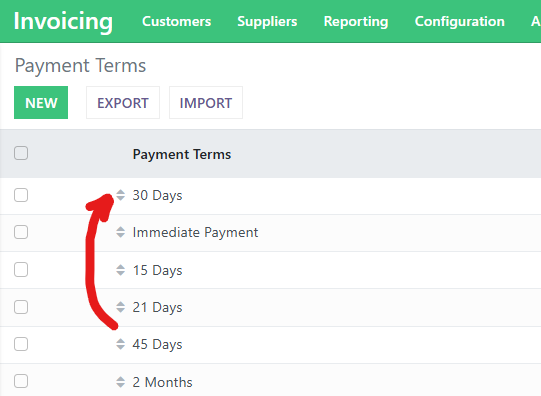
To do this, go to Invoicing -> Configuration -> Payment Terms
Simply drag the payment term that you want to be the default to the top of the list