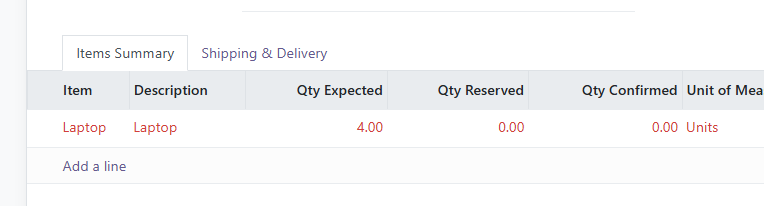
It is possible to part-ship orders. In the example below, we have a delivery order for which we're only shipping 4 out of an expected 8 Laptops
Note: the screens below were captured on an earlier version and the buttons have since been renamed. The wording in this article is current; where a picture disagrees with the text, follow the text. For the delivery screen as it looks today, see Outbound Sales: Delivering the order and confirming dispatch (opens in a new tab).
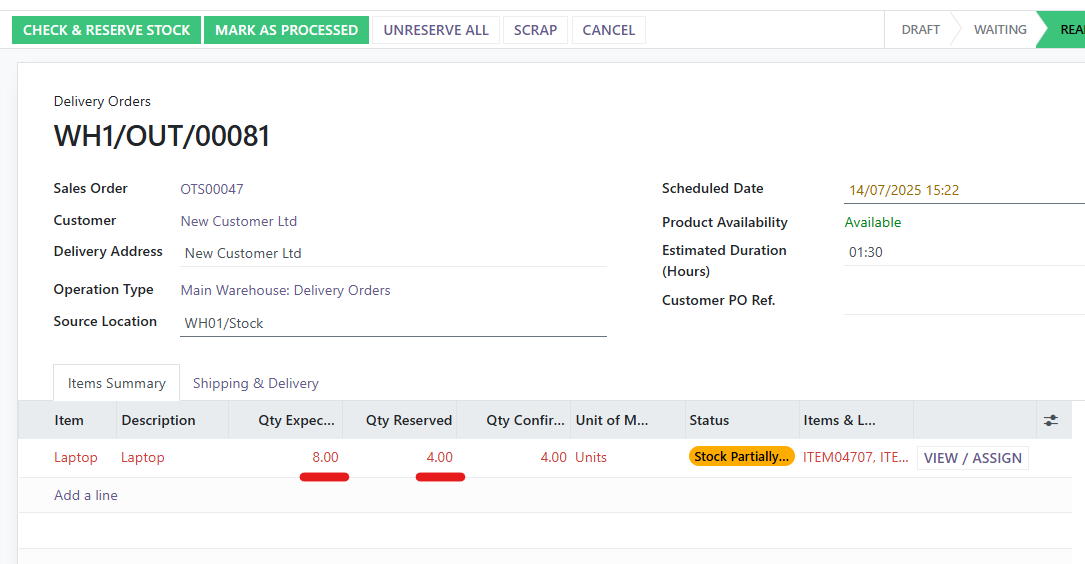
When we click the Confirm Dispatch button, we will see the following pop-up
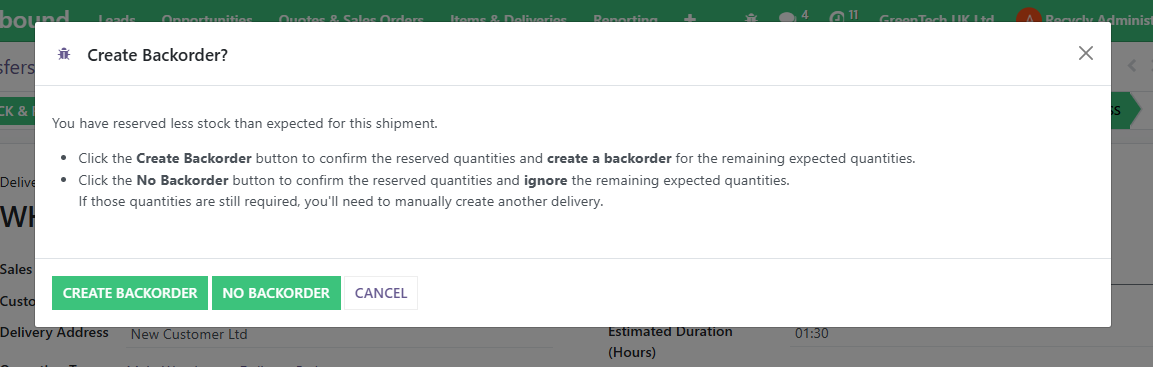
As the text explains, if we want to do a Part Shipment, and ship the rest of the goods later, we can Create a Backorder for the remaining stock.
After clicking the Create Backorder button, the completed shipment (for the first 4 laptops) will be completed and move to Done
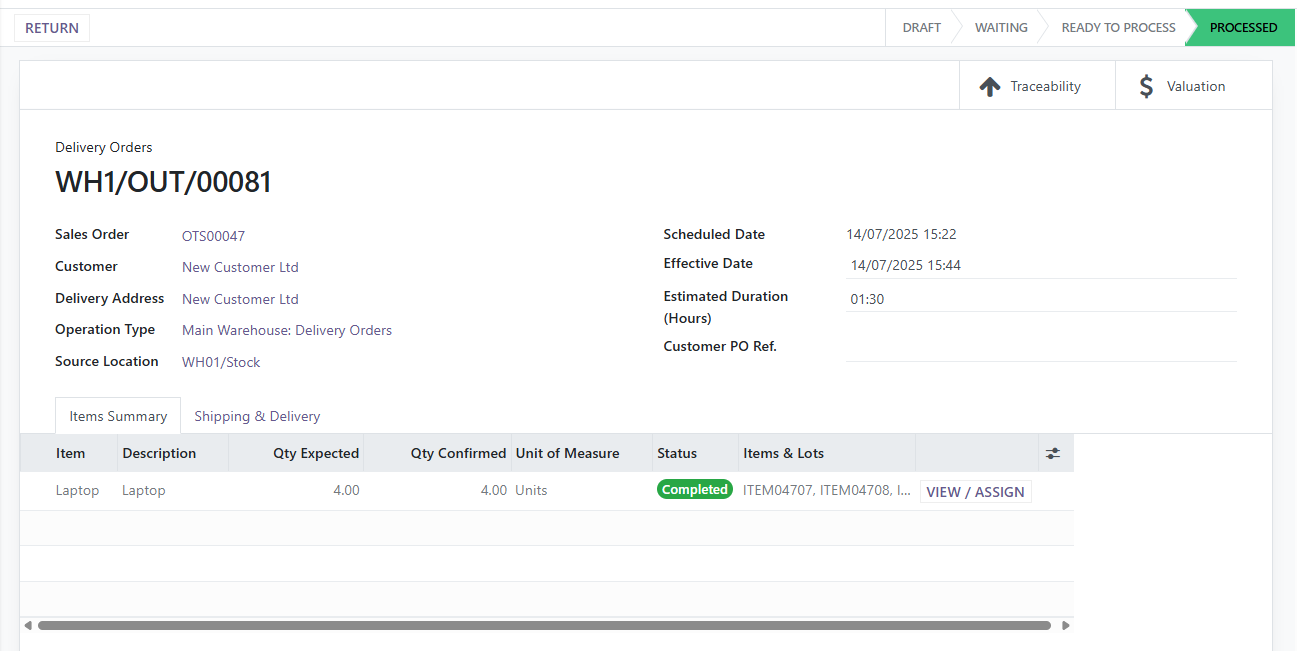
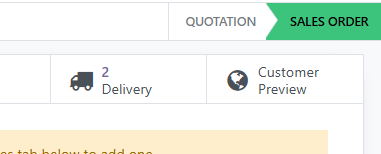
The Backorder has also been created. This can be seen by returning to the Sales Order, and observing that the Deliveries button now has an additional delivery:
The backorder will be in the Waiting state for the remaining quantity to be shipped