Overview
This guide is for Website Administrators, and explains how to publish items to your eCommerce website so they become visible and available for customers to purchase.
Details
1st — Open the Item form, enable “Sell to eCommerce”, then in the table:
- Add Recycly eCommerce (your website)
- Select the correct eCommerce category
- Enter the selling price
- Ensure “Sell on eCommerce” is checked (True)

2nd Click the Action button, then select “Publish selected item(s) to eCommerce”.

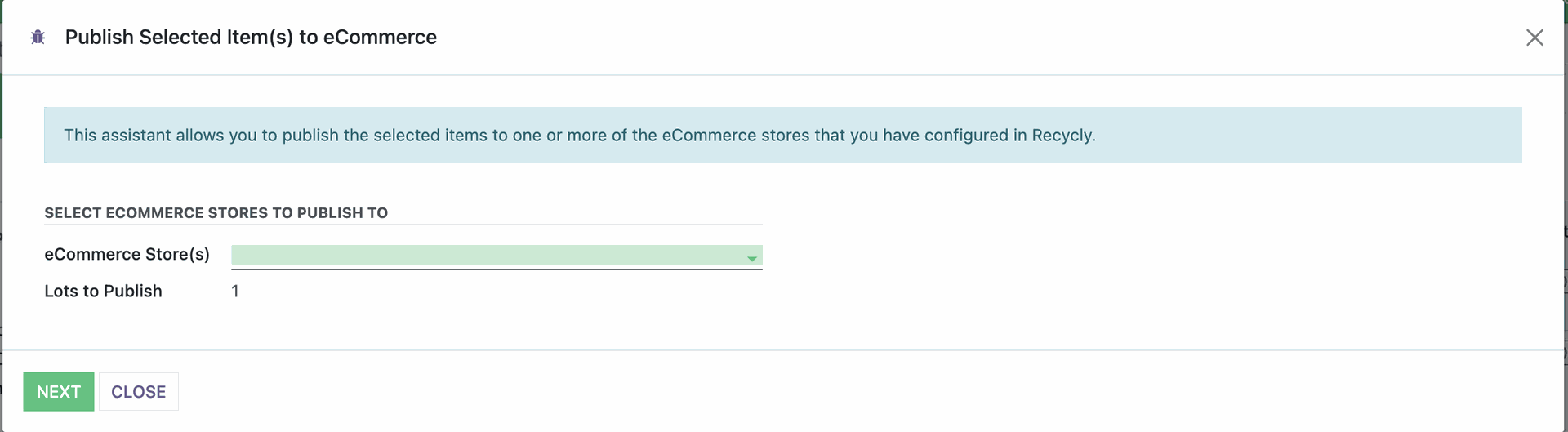
3rd A pop-up will appear — select the website where the Item should be publish, click Next.
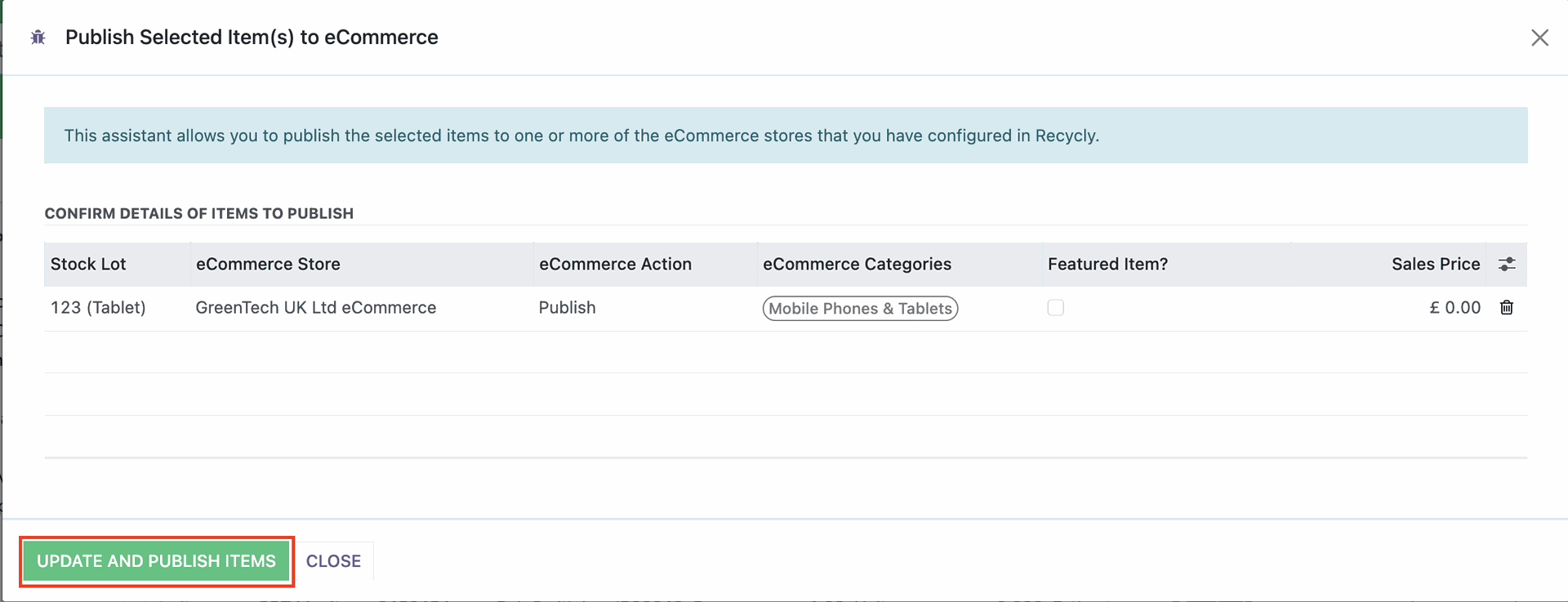
then on the next page click “Update to Website” to complete the publishing