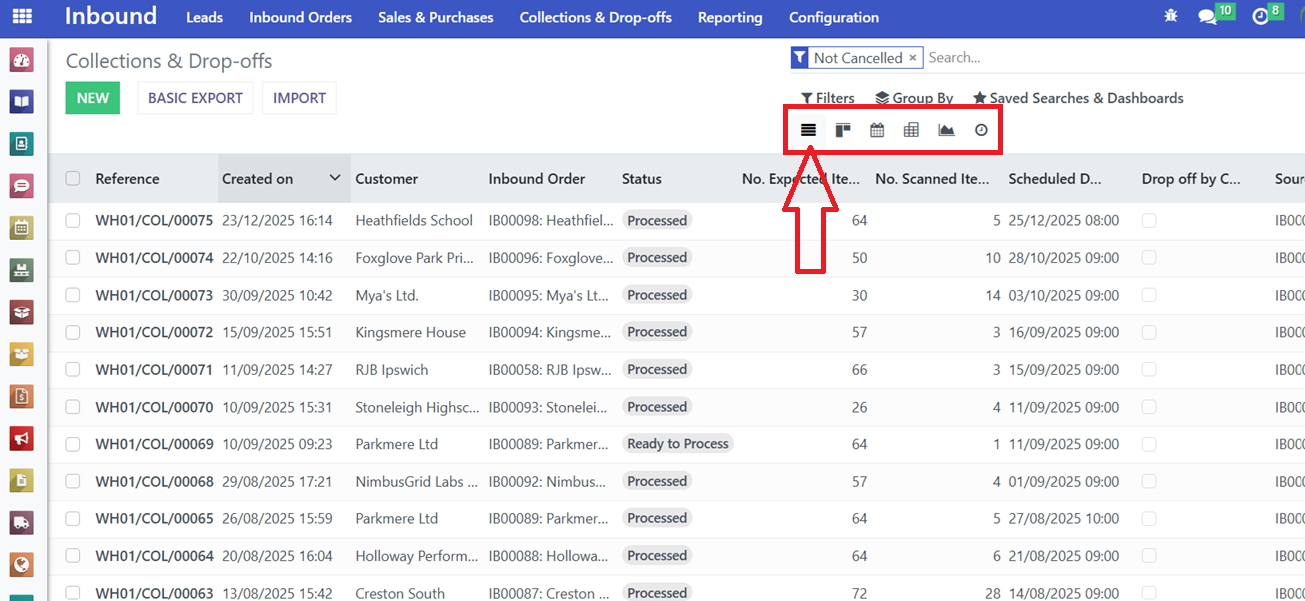
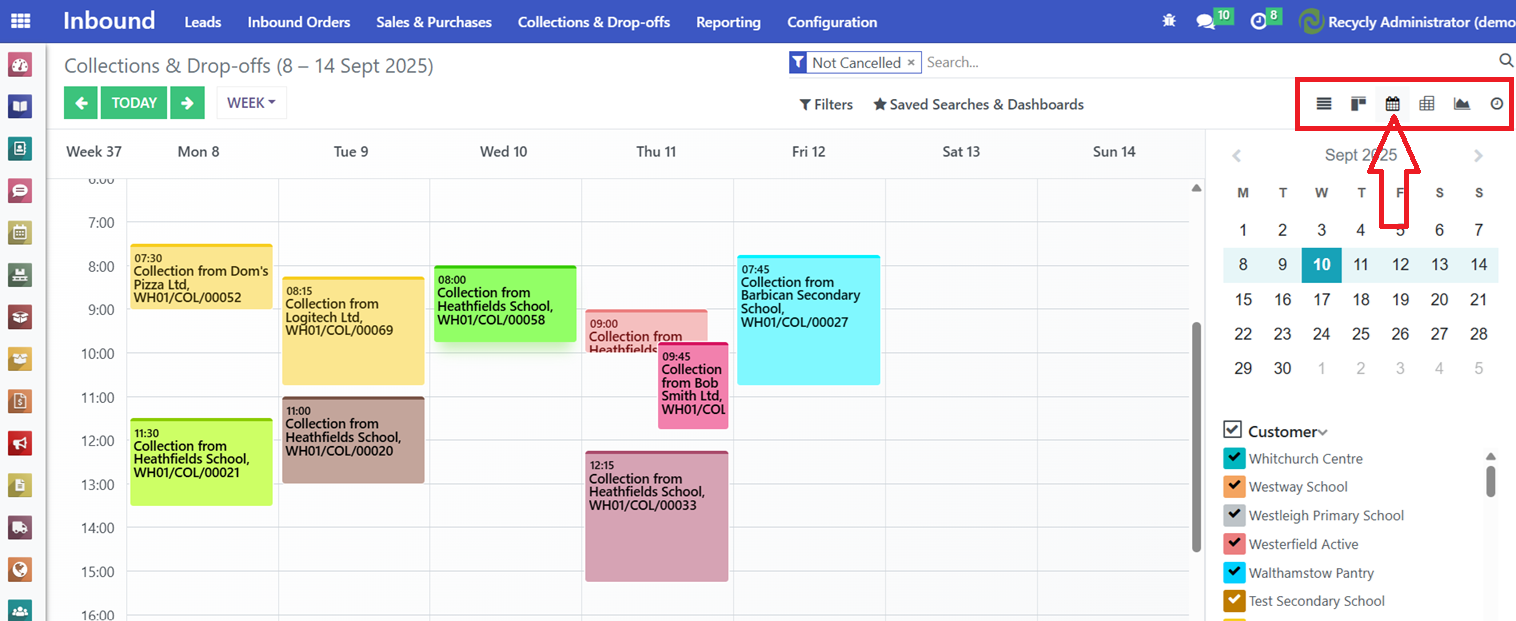
In Recycly, each warehouse operation type—such as Collection / Drop-offs—is linked to specific source and destination stock locations. To update the default...
Optimise Route puts the stops on a driver's route in the quickest order for you. It asks your maps provider for the order with the shortest driving time, keeps...
Often customers are not able to be specific about the exact types and quantities of equipment that is due to be collected.This article describes how to set up...
OverviewIn RecyclyERP, each collection can optionally have have one Driver, and one or more crewYou can choose who shows as Drivers and who shows as Crew in...