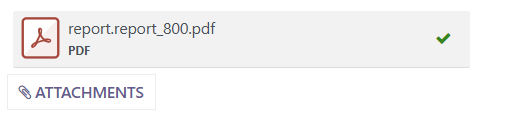
When adding a Document Template as a standard attachment to an email template, you might find when you generate emails from the template, you end up with a bit of a cryptic filename for the report, as in the example below
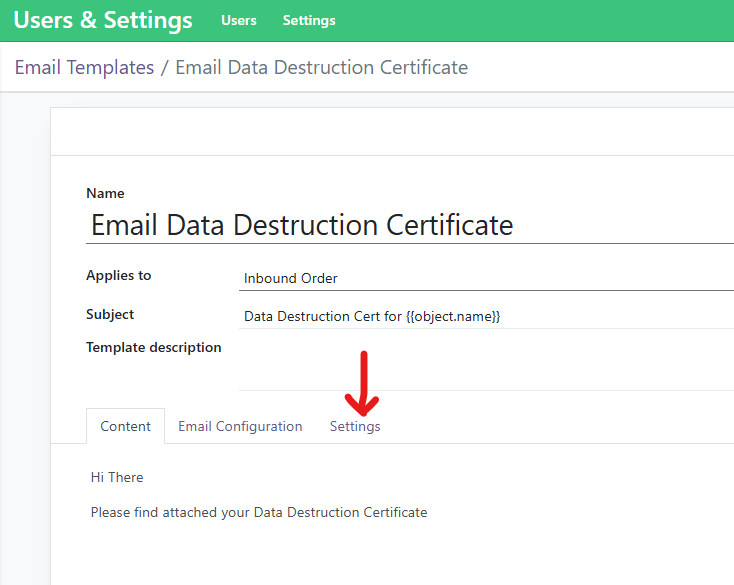
To resolve this, go to the Email Template that you wish to fix, and click the Settings tab
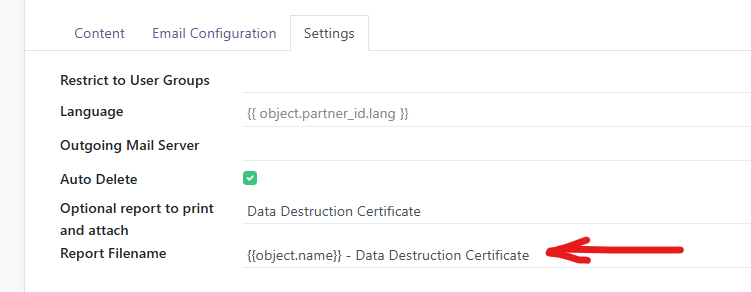
For the Report Filename field, you can use something like the below
e.g:
{{object.name}} - Data Destruction Certificate
This format will result in a filename like JOB001234 - Data Destruction Certificate.pdf